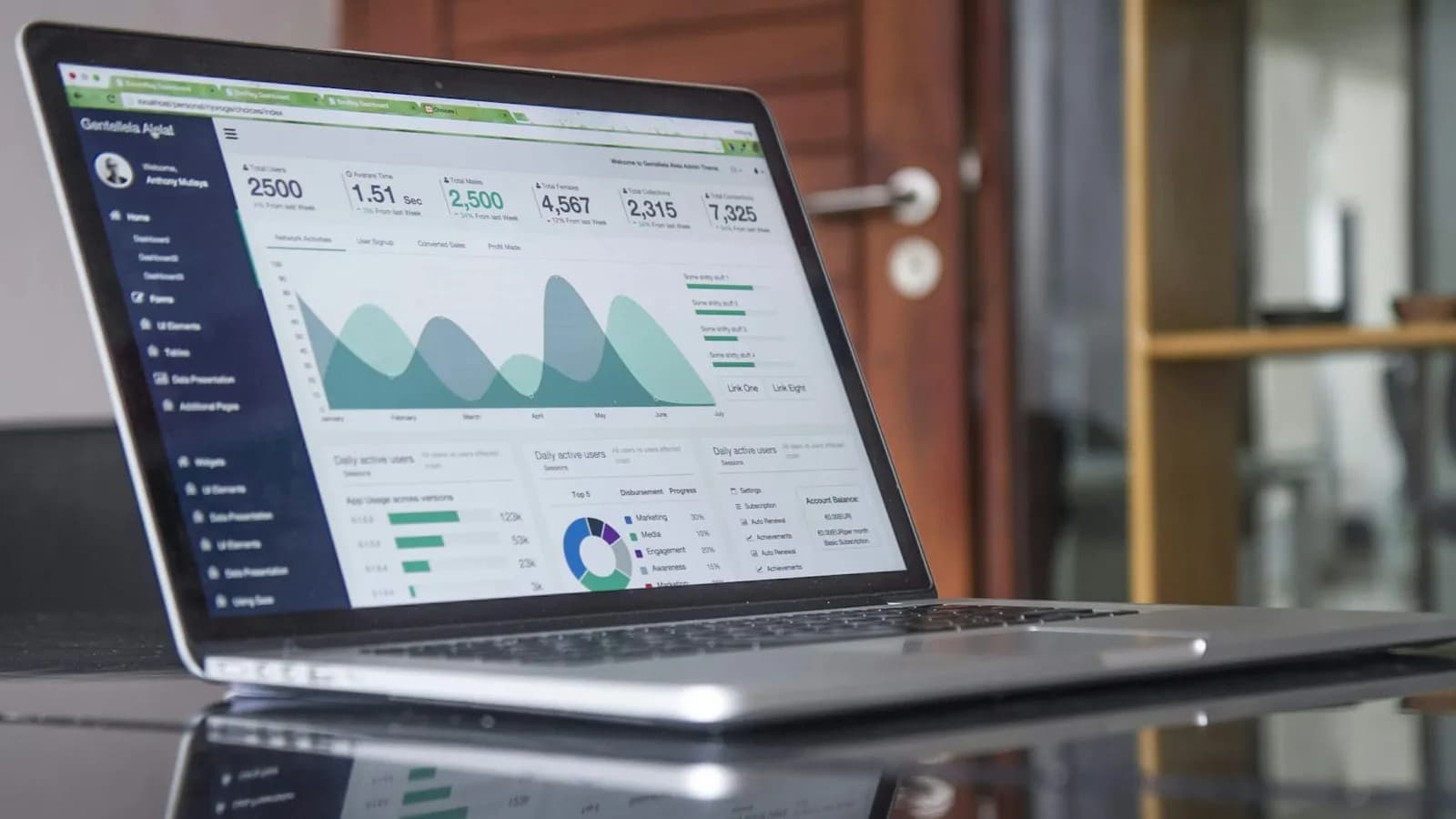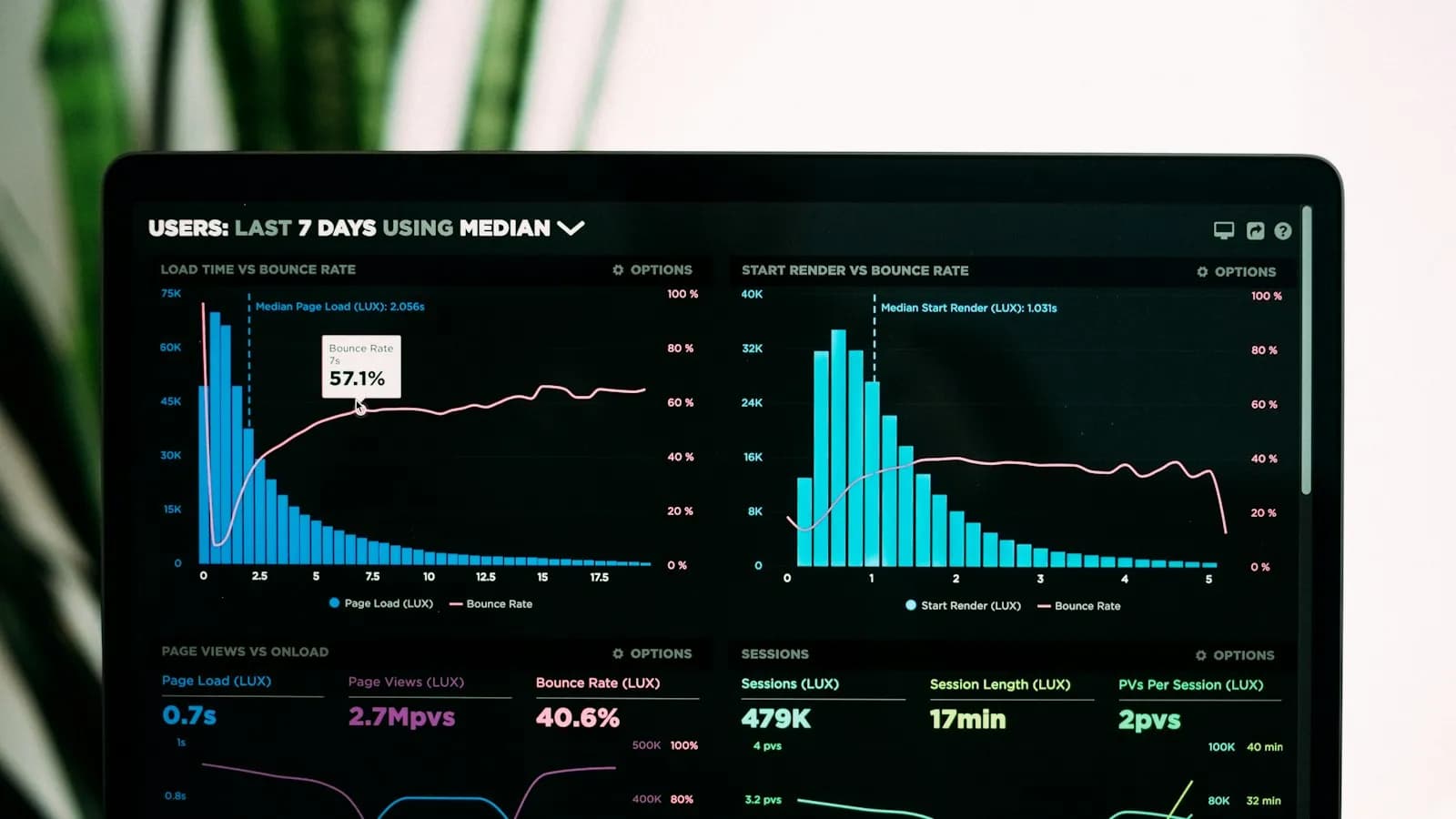
On 14 October 2020 Google announced “the new Google Analytics”, built on the App + Web property it had tested since 2019. It became the default for new properties and was soon known by its short name, GA4. It was not a redesign of the old tool. It was a new way of measuring.
For a few years, many businesses ran both versions side by side. Then Google set a hard deadline, and Universal Analytics (UA) was switched off. This article explains what GA4 changed, the shutdown dates, and the settings that matter most for a business that wants to know where its leads come from.
Events instead of sessions
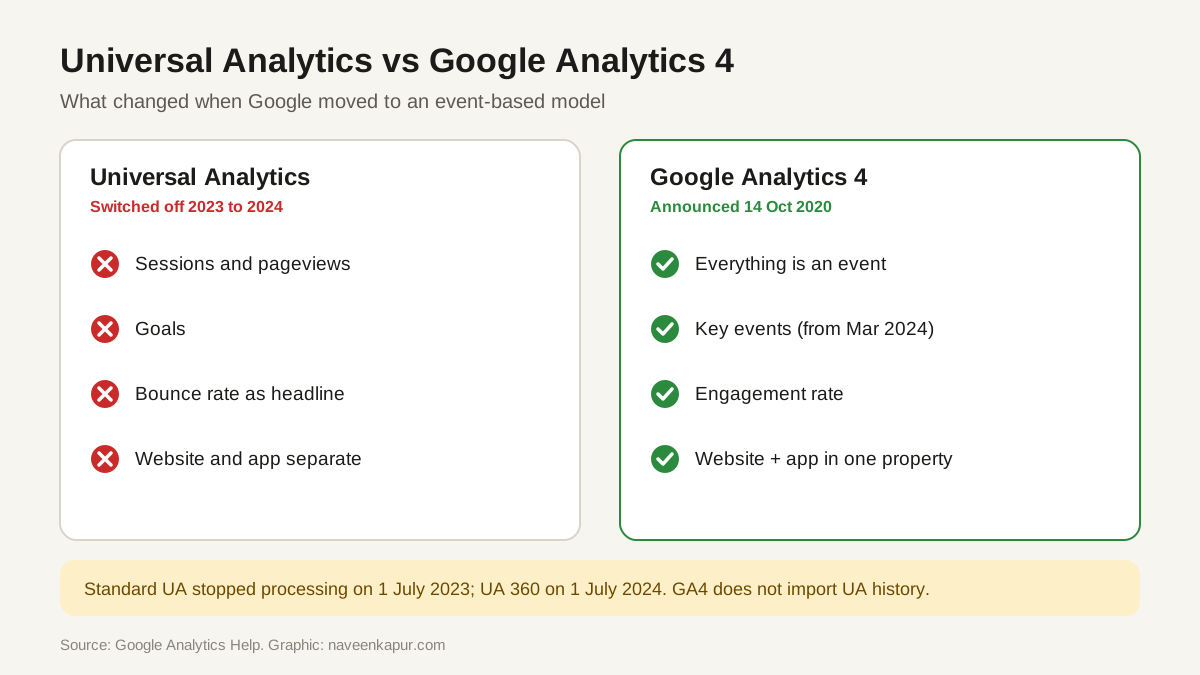
Universal Analytics was built around sessions and pageviews. GA4 records everything as an event: a page view is an event, a scroll is an event, a form submission is an event. Google's help centre describes the difference simply: GA4 uses event-based data instead of session-based data, and can collect both website and app data in one property.
| Universal Analytics | Google Analytics 4 | |
|---|---|---|
| Basic unit | Sessions and pageviews | Events |
| Website and app | Separate properties | One property can hold both |
| What you track as success | Goals | Key events (called conversions until March 2024) |
| Engagement | Bounce rate as the headline | Engaged sessions and engagement rate |
| Status | Switched off (2023–2024) | The current Google Analytics |
How Universal Analytics was shut down
Google's help page on the Universal Analytics sunset lays out the dates:
- 1 July 2023: standard Universal Analytics properties stopped processing new data.
- 1 July 2024: Universal Analytics 360 properties (the paid version, with a current order) stopped processing, after a one-time extension.
- Week of 1 July 2024: the UA interface and API were switched off for everyone, and the old data was deleted.
Businesses that had not exported their old reports by then lost that history. GA4 does not import UA data, so GA4 reports begin on the day the GA4 property started collecting.
Conversions became key events
On 21 March 2024 Google announced that “conversions” in GA4 reports would be called key events. The word “conversion” moved to Google Ads, where it means an action that is counted for bidding. In GA4 you now mark the actions that matter to your business as key events: a lead form, a call click, a WhatsApp click, a purchase.
The settings to check first
- 1Data retention. Standard properties can keep event-level data for 2 or 14 months. This setting affects explorations and funnel reports, not the standard reports. Set it to 14 months so you can compare this year with last year in explorations.
- 2Enhanced measurement. Check which automatic events are on (scrolls, outbound clicks, site search, video, file downloads, form interactions) and that they make sense for your site.
- 3Key events. Mark your real lead and sale actions as key events.
- 4Google Ads link. Link GA4 to Google Ads so ads data and audiences flow both ways.
- 5Search Console link. Link Search Console to see organic search queries next to GA4 data.
- 6Internal traffic. Filter out your own team's visits so they do not inflate numbers.
- 7Cross-domain and referrals. If payments or bookings happen on another domain, set that up so the original source is not lost.
BigQuery export
GA4 lets every property, including free standard ones, export raw event data to Google BigQuery, which was a paid 360 feature in Universal Analytics. The link is free to set up, but BigQuery itself charges for storage and queries beyond its free sandbox limits, and standard properties have a daily export limit of 1 million events. For most small businesses the standard reports are enough; BigQuery helps when you want to join analytics with CRM data.
Why this matters for lead tracking
Most businesses do not need every GA4 report. They need one answer: which channel brought which enquiry? That means three things done properly: clean key events, correct UTM tags on ads, emails and social links, and a link between GA4, Google Ads and Search Console. With those in place, GA4 tells you which pages and campaigns are worth the money.
Speed and mobile usability still affect how many visitors stay long enough to become an enquiry. See our guides on Core Web Vitals and Interaction to Next Paint.