Skip to content
NKNaveen Kapur Blog
Web & CMS

What is Content Management System (CMS)?

A CMS lets non-technical people run a website. The three types of CMS and the features a good one must have.

NK

Naveen Kapur

· 2 min read

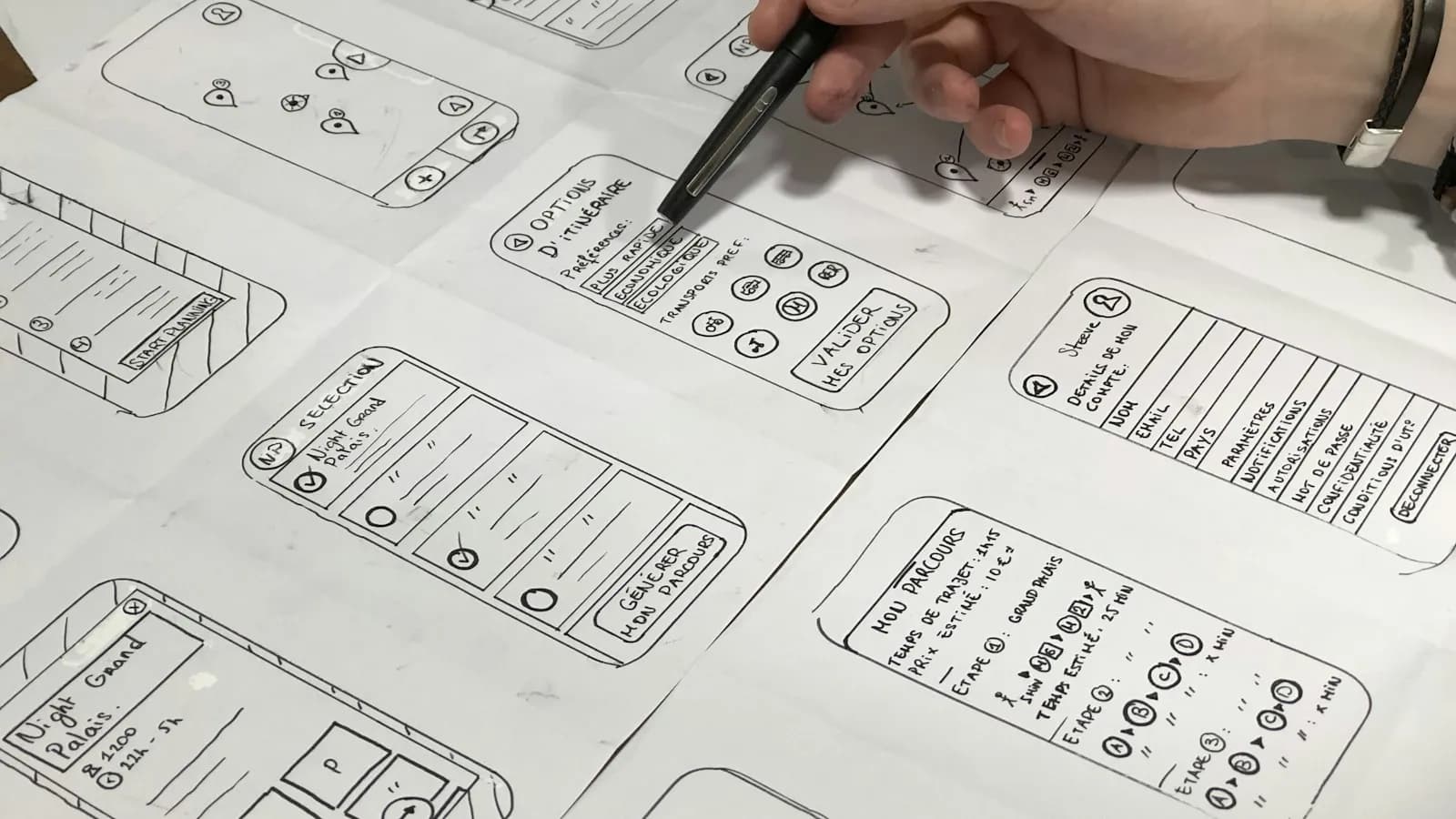
Two large monitors on a wooden desk showing website design layouts
Photo: Tran Mau Tri Tam on Unsplash

From the archive · 2018

Written in 2018 and still useful. Today most small business sites run on a CMS such as WordPress, and many connect it to a CRM so enquiries flow straight to the sales team.

Content Management System (CMS) is a recent buzzword in website development.

It has made management of websites a lot easy for common users, who do not have a sound technical knowledge of various programming languages and applications.

CMS enables users to write, upload and store digital texts such as technical manuals, news articles, marketing brochures etc. The content thus managed entails electronic files, audio & video files, online documents, spreadsheets, image media, word processor documents etc. CMS also helps website owners opt for multiple content developers and protect various sections of their website.

There are basically three types of Content Management System as discussed below:

Enterprise CMS: An enterprise CMS primarily focuses on the management of unstructured information content of a business enterprise. It aims to manage the content and documents related to the organizational processes of a business enterprise.

Web CMS: A Web CMS aims to manage and simplify content and documents that are particularly planned and designed for Web publication by the non-technical content developers.

Component CMS: A component CMS facilitates building publications from re-usable parts of content within a document. it is concerned with the management of structured content, which produces documents that are to be sent to Enterprise and Web CMS.

What elements should CMS have?

Easy-to-user interface: The CMS should have an easy-to-use interface so that both technical as well as non-technical users can make most use of the same. An easy-to-use interface of CMS enables non-technical users to manage the front end look of your website.

SEO tool kit: The CMS should also entail an extensive SEO tool kit, which will lend the web surfers the ease to find your website on the Internet.

Usability of built-in Server Controls: The built-in Server Controls should be easily accessible and usable to software developers and web site designers so that they can come up with a content-rich website instantly and then customize it accordingly with the help of a good API.

Other elements required: In addition to the above-mentioned features, the CMS should also be inclusive of other elements such as social networking, Online 2.0 tools, personalization, memberships, subscriptions, geomapping, web alerts, blogging, forums, polls etc. These elements will help you build your online communities by giving you the advantage of repeat business and the visitors will repeatedly land up on your website.

All these elements help CMS facilitate development of web pages with professional look and feel without any technical skill. It helps website gain higher search engine rankings. CMS with a web editor will enable users have content of web pages same as the content of HTML documents.

Having gathered the basic information about Content Management System, you are good to go now! CMS will make your business a growth-enriching and rewarding experience. All you need to be careful about is that the product that you would be using is supported with all the features needed to address your business needs.

Update ·

What has changed since this was written

The article above is kept in its original words from 2018. This section was added later.

The 2018 post explained what a content management system (CMS) is, the three classic types and the features a good one should have. The basic idea still holds: a CMS lets people without coding skills run a website. What has changed is speed, security and how a CMS fits with your other business tools.

The CMS basics, updated

Enterprise, web and component CMS are still useful terms. A newer type you will hear about is the headless CMS, which stores and manages content but leaves the front end to a separate website or app. It suits businesses publishing the same content to a site, an app and other channels. For most small businesses a traditional web CMS is still simpler and cheaper.

WordPress remains the best known option. Its official site describes it as open source software licensed under the GPLv2 and says it is used by over 43% of all sites on the web (that figure is WordPress's own claim). It is also moving fast: WordPress 7.0 “Armstrong” came out on 20 May 2026, 7.1 “Mary Lou” on 19 August 2026, and a 7.1.3 maintenance and security release on 6 October 2026.

Whichever CMS you choose, make sure your business owns the domain, the hosting account and the admin login. Many owners discover too late that an agency or freelancer holds these. Also ask how content can be exported if you ever move to another system, so you are not locked in.

Frequent security releases are normal for any popular CMS. The practical lesson is that someone has to apply them.

Features that matter more now

The original list (easy interface, SEO tools, developer controls, community features) is still sensible. A few items now deserve more weight:

  • Speed and Core Web Vitals. Google's web.dev guidance sets “good” targets of Largest Contentful Paint within 2.5 seconds, Interaction to Next Paint of 200 milliseconds or less and Cumulative Layout Shift of 0.1 or less, measured at the 75th percentile of page loads. INP replaced First Input Delay as a Core Web Vital in March 2024. Heavy themes and too many plugins are the usual cause of poor scores. See our Core Web Vitals guide.
  • Updates and security. Choose a CMS with regular releases and a host or developer who applies them promptly.
  • Mobile editing and display. Your theme must work well on phones, since that is where most visitors read.
  • Integrations. Contact forms should send enquiries straight into a CRM so no lead is lost. Our post on working with a CRM consultant explains why this matters.
  • Sensible AI features. Many CMS tools now offer AI writing help. Google's guidance asks you to fact-check AI output, including titles, meta descriptions and image alt text, before publishing.

A CMS does not rank your site by itself

The original said a CMS helps a website gain higher search rankings. A CMS makes good SEO easier, with clean URLs, editable titles and sitemaps, but it does not earn rankings on its own. Rankings come from useful content, a fast and accessible site and a good reputation. Our SEO for small business guide covers what to focus on.

NeedUsually a good fit
Brochure site or blog, small teamTraditional web CMS such as WordPress
Same content on website, app and other channelsHeadless CMS with a separate front end
Large organisation with documents and workflowsEnterprise content management platform
Online shopA CMS with a trusted ecommerce extension, or a dedicated store platform
A simple starting point, not a fixed rule

What to do today

  1. 1List what your site must do: pages, blog, enquiries, bookings or sales.
  2. 2Pick the simplest CMS that covers that list, rather than the one with the most features.
  3. 3Test a sample page on a phone and in a Core Web Vitals tool before launch.
  4. 4Agree who will apply CMS, theme and plugin updates, and how often.
  5. 5Connect your forms to a CRM so every enquiry is tracked.

If you need help choosing or setting up a CMS, see our web design and development service.

Need help with this? See web design & development services by Naveen Kapur.

Frequently asked questions

What is a CMS in simple words?

A content management system is software that lets you add and edit pages, posts, images and other content on a website without writing code. Staff can update the site through a simple editor, while the CMS handles storing content and showing it to visitors.

What is a headless CMS?

A headless CMS stores and manages content but does not control how it looks. A separate website or app pulls the content and displays it. It suits businesses publishing to several channels, while a traditional web CMS is usually simpler for a small business site.

Does using WordPress help SEO?

WordPress makes good SEO easier with editable titles, clean URLs and sitemaps, but it does not rank a site by itself. Rankings depend on useful content, a fast mobile-friendly site that meets Core Web Vitals targets, and a trustworthy reputation.

How often should I update my CMS?

Apply security and maintenance releases soon after they come out. WordPress, for example, shipped several updates between August and October 2026, including the 7.1.3 security release on 6 October 2026. Keep themes and plugins updated too, and take a backup first.

Sources

  1. About WordPress (WordPress.org)
  2. WordPress release announcements (WordPress.org News)
  3. Web Vitals (web.dev)
  4. Interaction to Next Paint is officially a Core Web Vital (web.dev)
  5. Google Search's guidance on using generative AI content
#CMS#Websites#Web Development

Found this useful?

Share it with someone who would like it.

Ask AI about this article

Choose what you want, then open it in your favourite assistant. The article link goes with it.

Summarise this article in 5 simple bullet points: "What is Content Management System (CMS)?" https://www.naveenkapur.com/blog/what-is-cms

NK

Written by

Naveen Kapur

Digital marketing, CRM and SaaS, business development, web and app design, and AI automation. Also a graphic and video designer.

Follow on LinkedIn
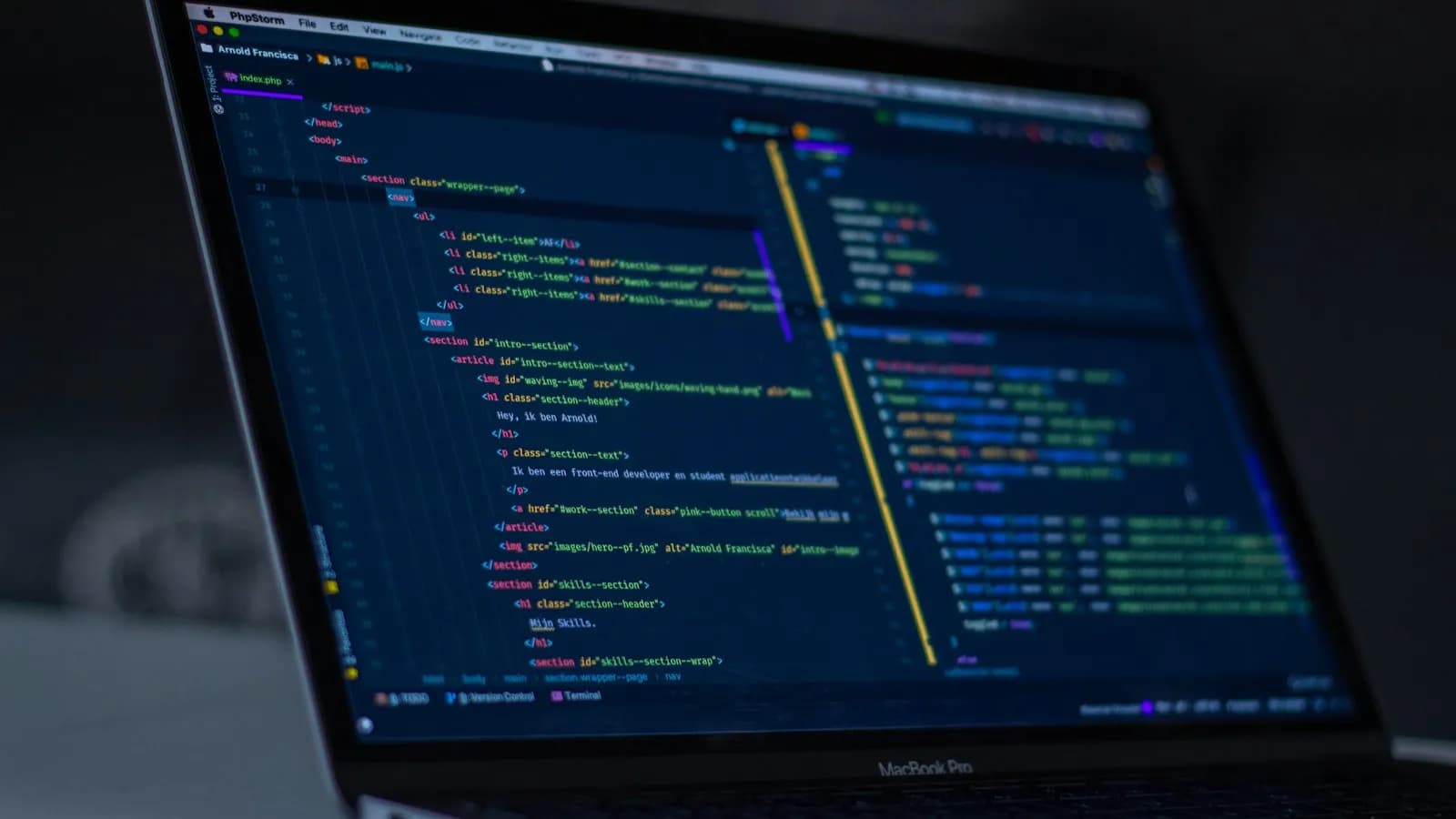
A computer screen showing HTML code for a websiteFrom 2026
Web & CMS

Website Maintenance Services: What a Monthly Plan Should Include

A website is not finished on launch day. Software goes out of support, certificates expire, forms break and backups fail quietly. Here is what a website maintenance plan should include, how often each task should happen and what to ask before you pay for one.

· 7 min read